




Scroll to Top
Share to:
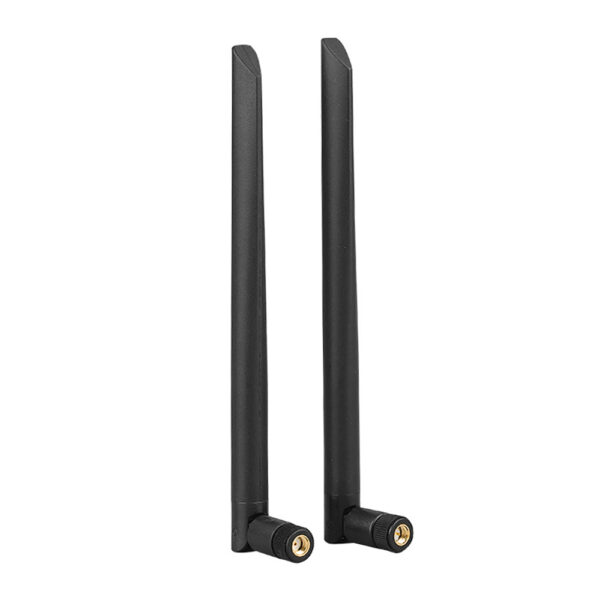
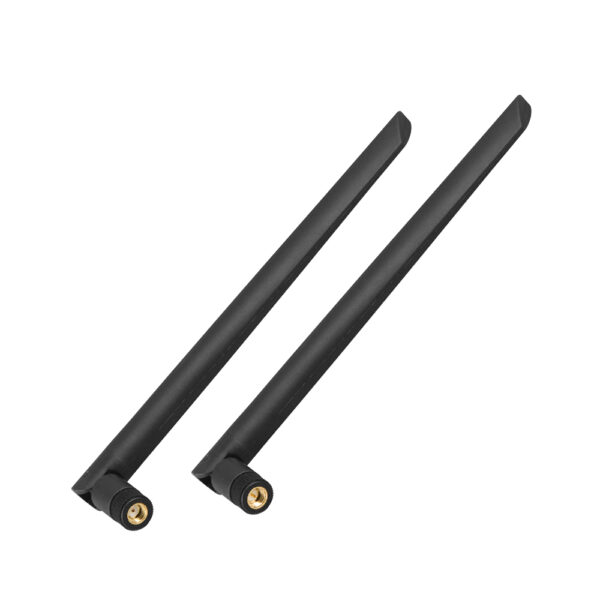
WiFi Antenna Replacement for Router, RP-SMA Male
Product features:
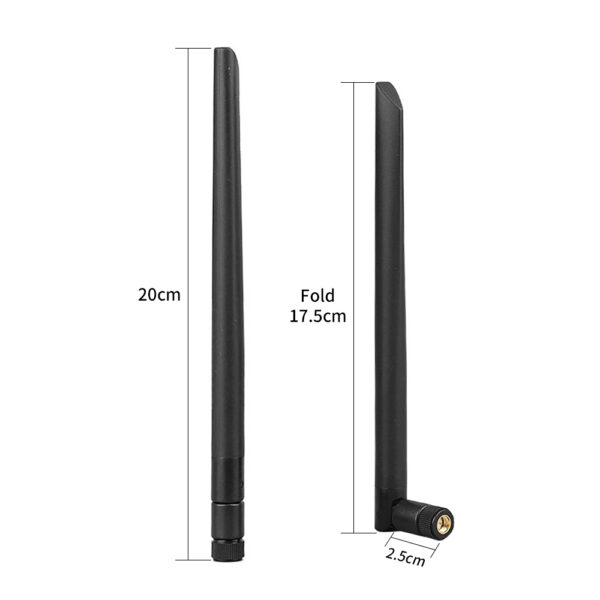
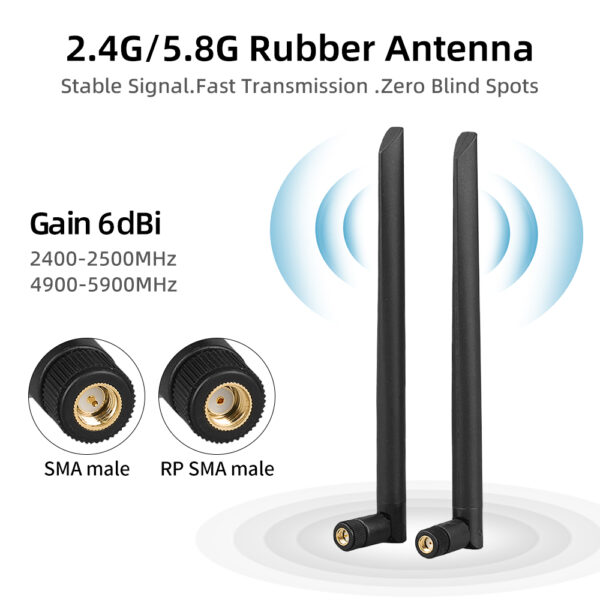
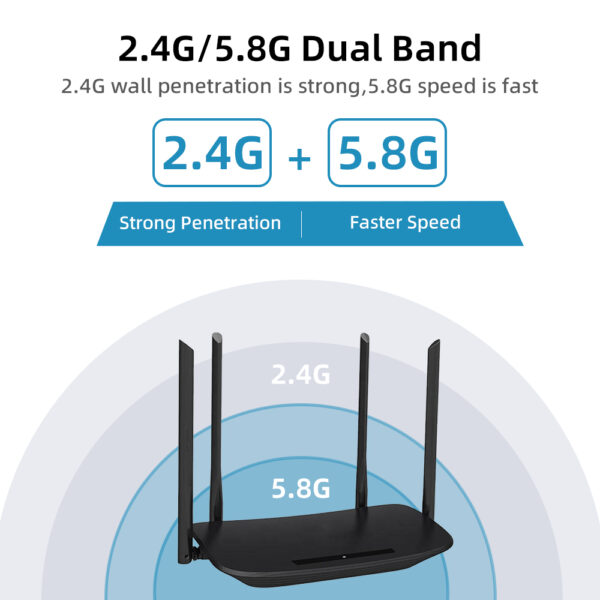
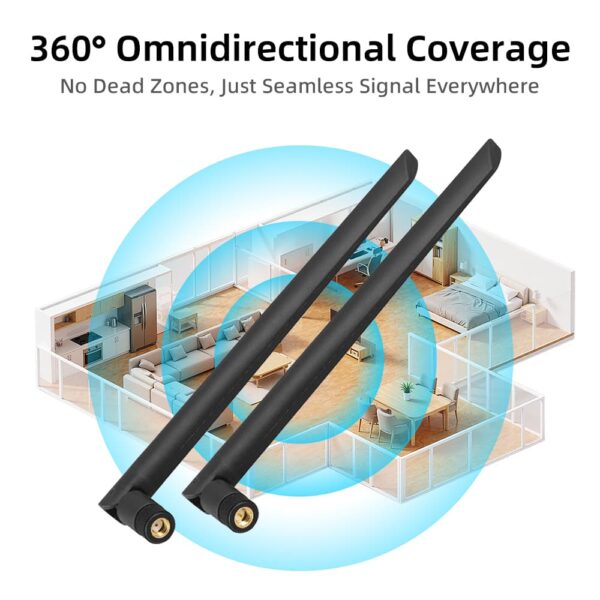
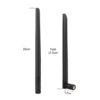
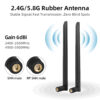
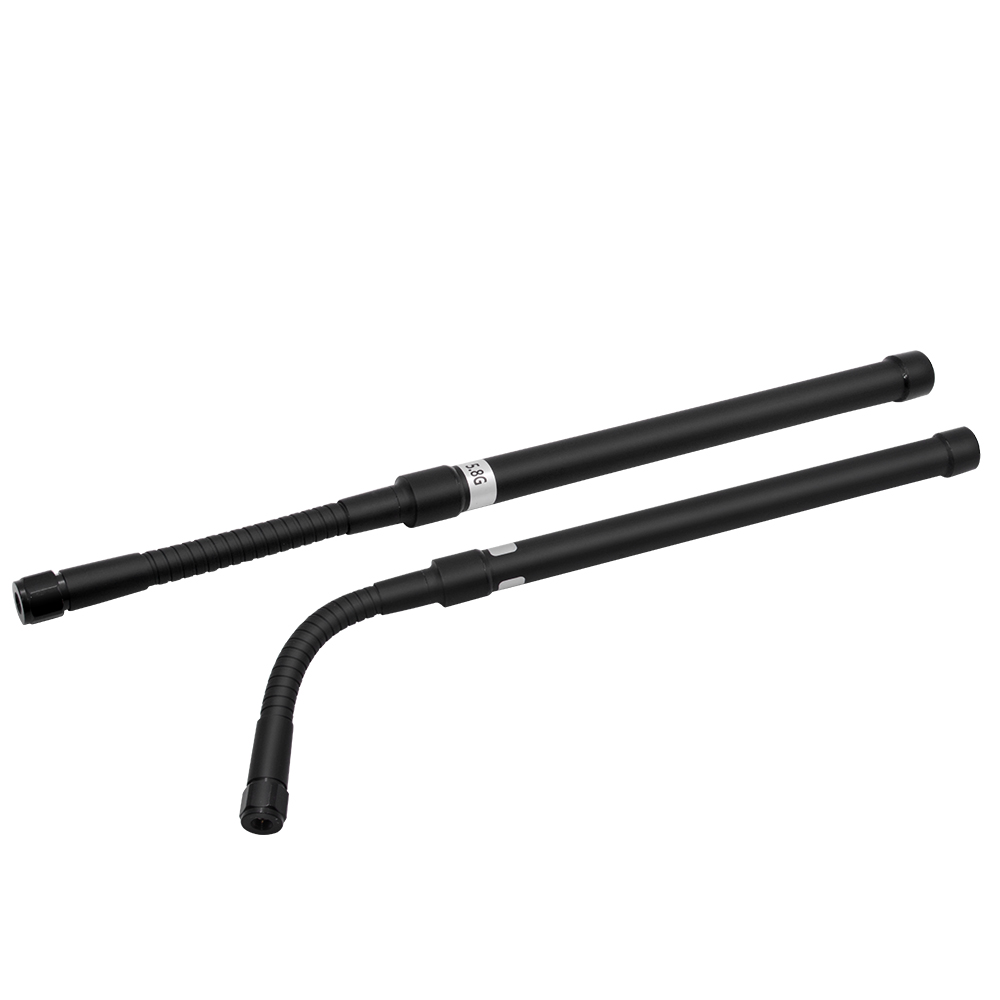
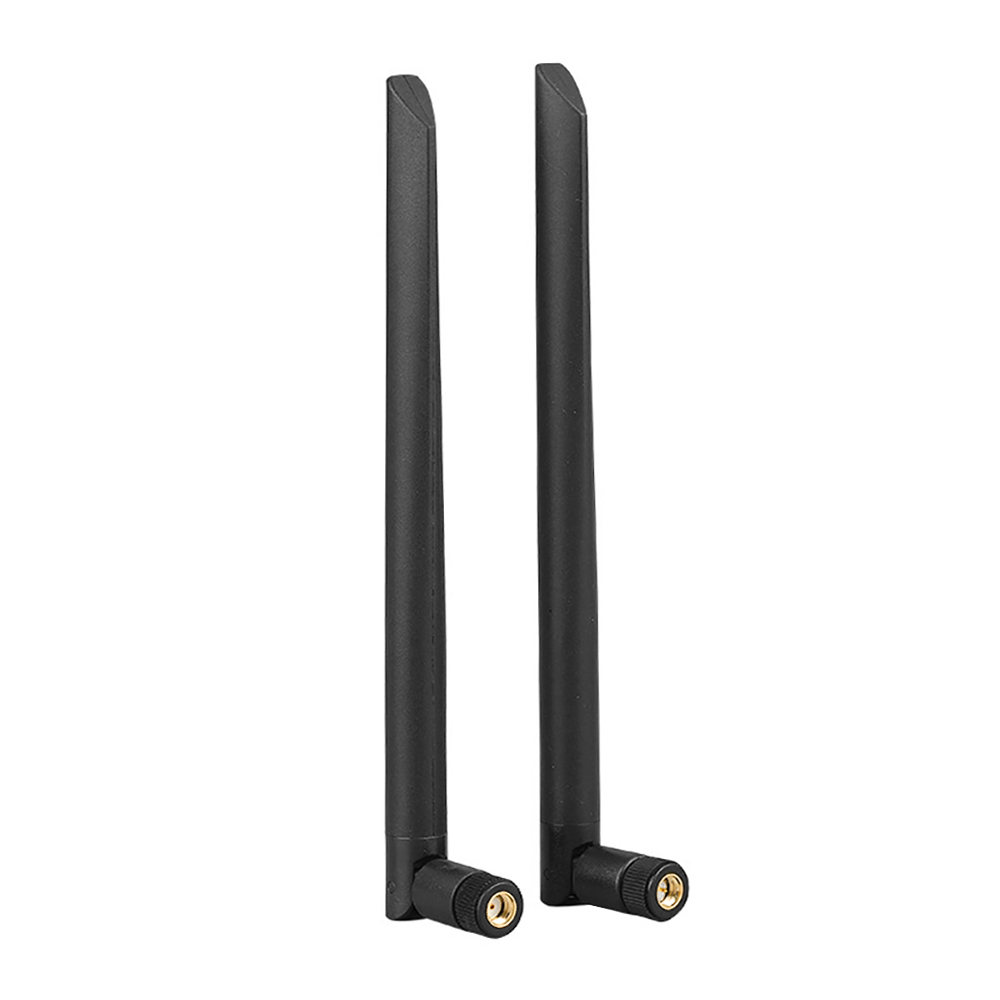
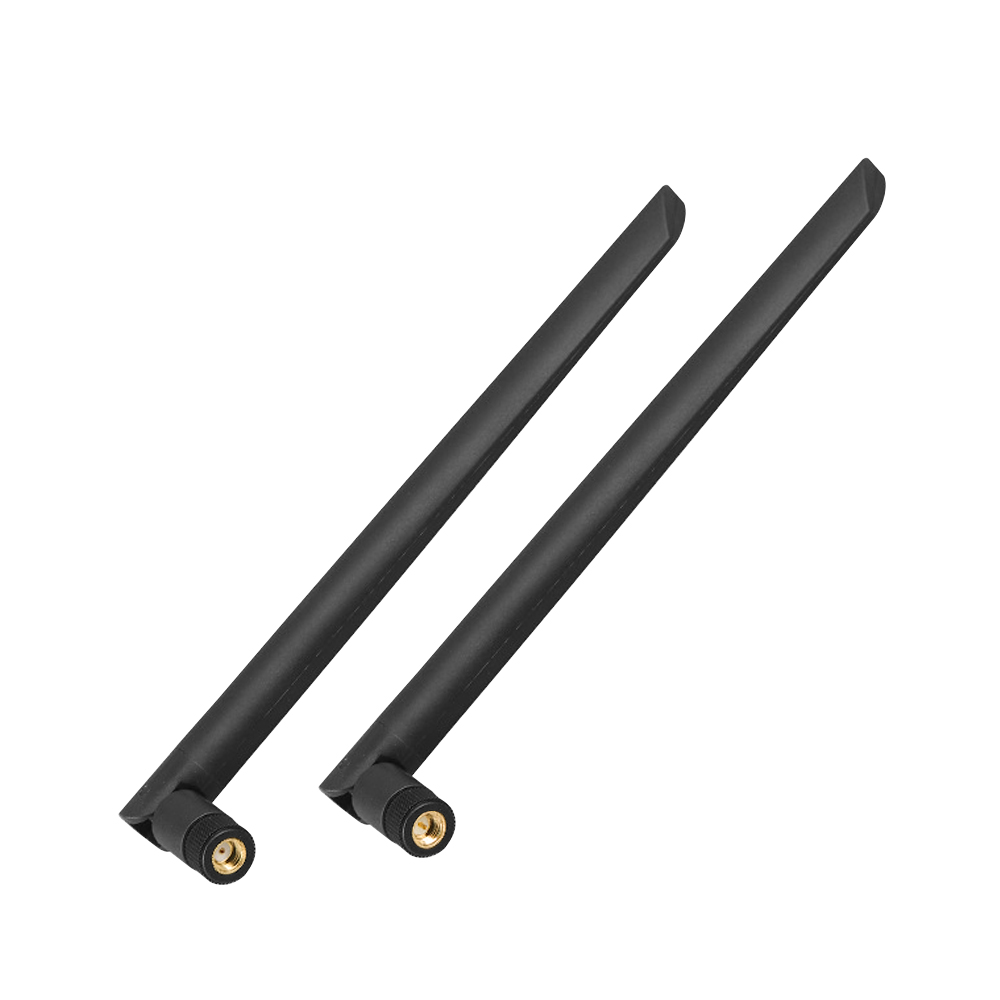
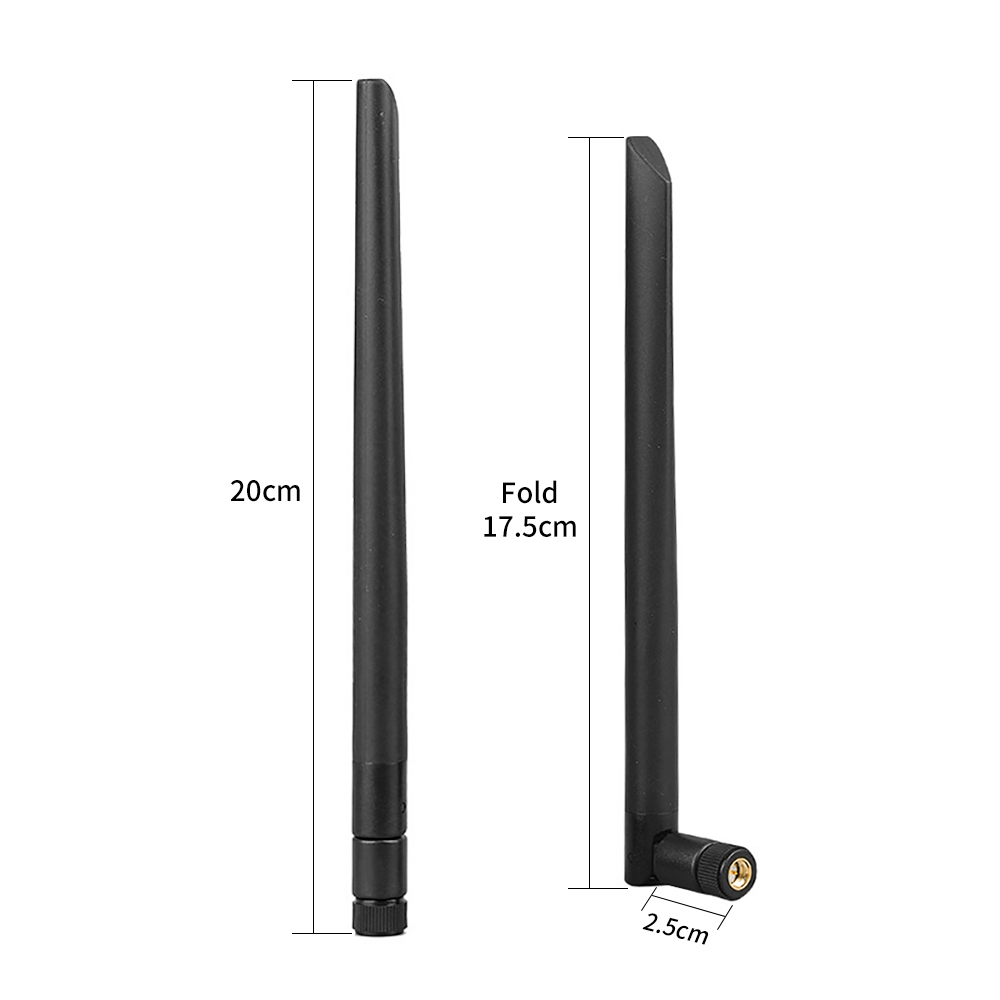
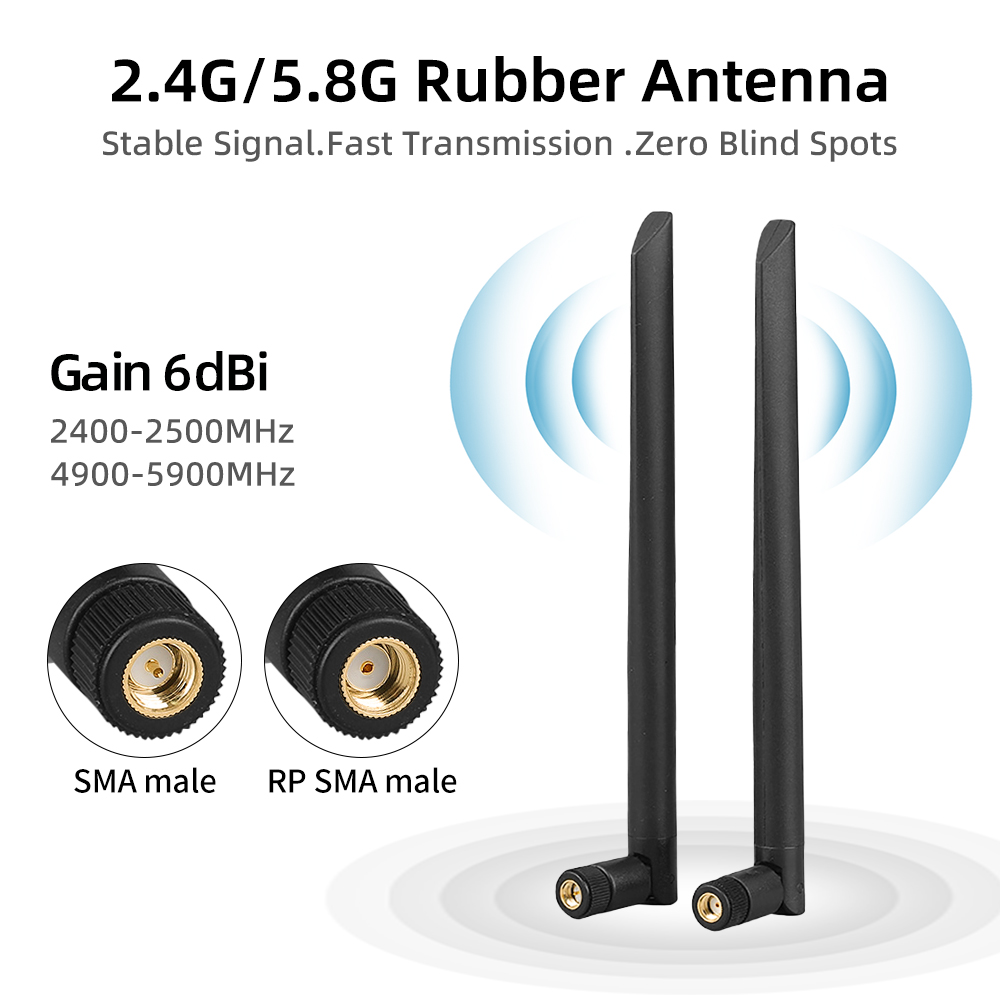
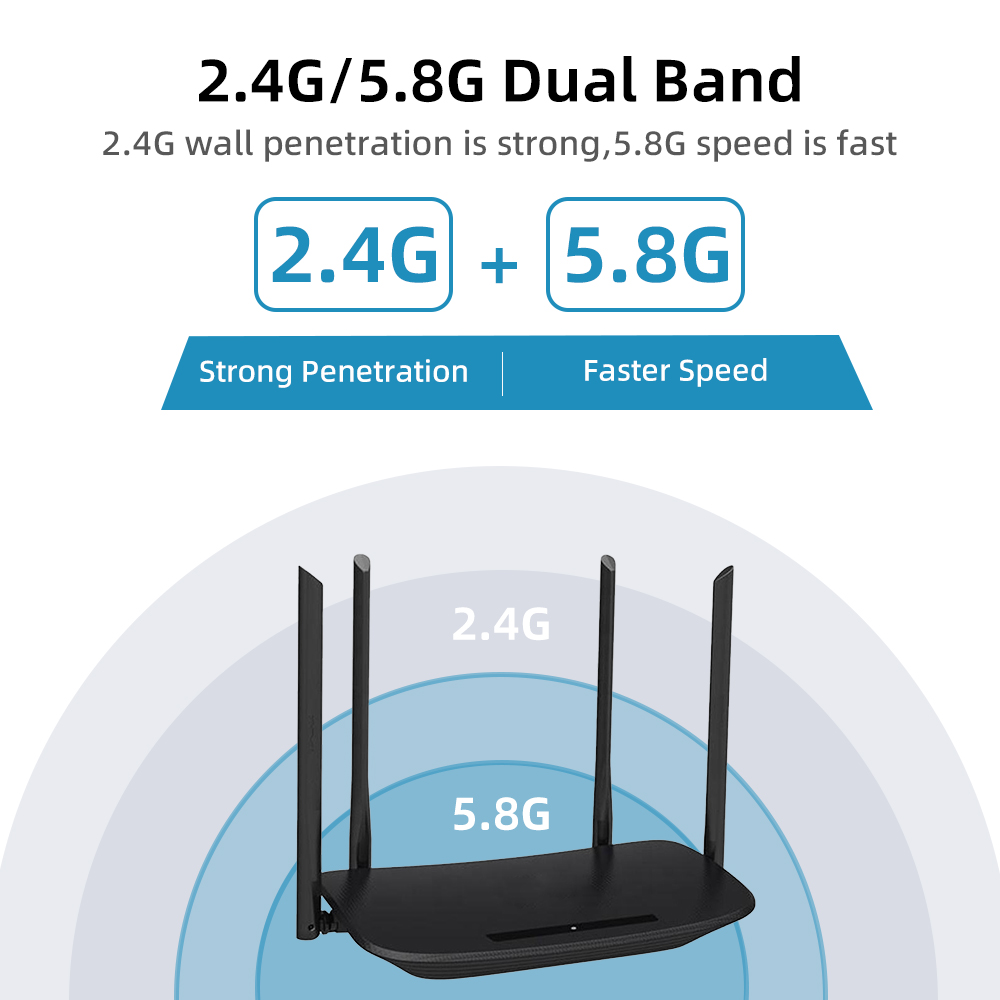
The FS-R10 is a WiFi antenna with a 90-degree foldable joint, making it easy to adjust by hand or fold down when space is tight. It screws directly onto compatible routers, access points and camera housings. Operating at 2400–2500 MHz and 4900–5900 MHz, it delivers 5 dBi gain on a 50-ohm system, with a VSWR of 1.5 or less. The moulded rubber body weighs just 25 g and is built to handle everyday knocks during installation and use. As a foldable WiFi antenna, it can be angled away from nearby ports or folded flat for storage and transport.
| Type | wifi antenna | Antenna Gain | 5dBi |
| Terminals | can be customized | Connector Type | can be customized |
| Model Number | FS-R10 | Place of Origin | Guangdong, China |
| Polarization | vertical | Antenna Frequency | 2.4G |
| Frequency | 2.4G and 5.8G | VSWR | 1.5 |
| Color | Black | Connector | SMA-male or customized |
| Gain | 5DBI | Gross Weight | 0.025kg |
| Place of Origin | Guangdong, China | Support OEM/ODM | Yes |
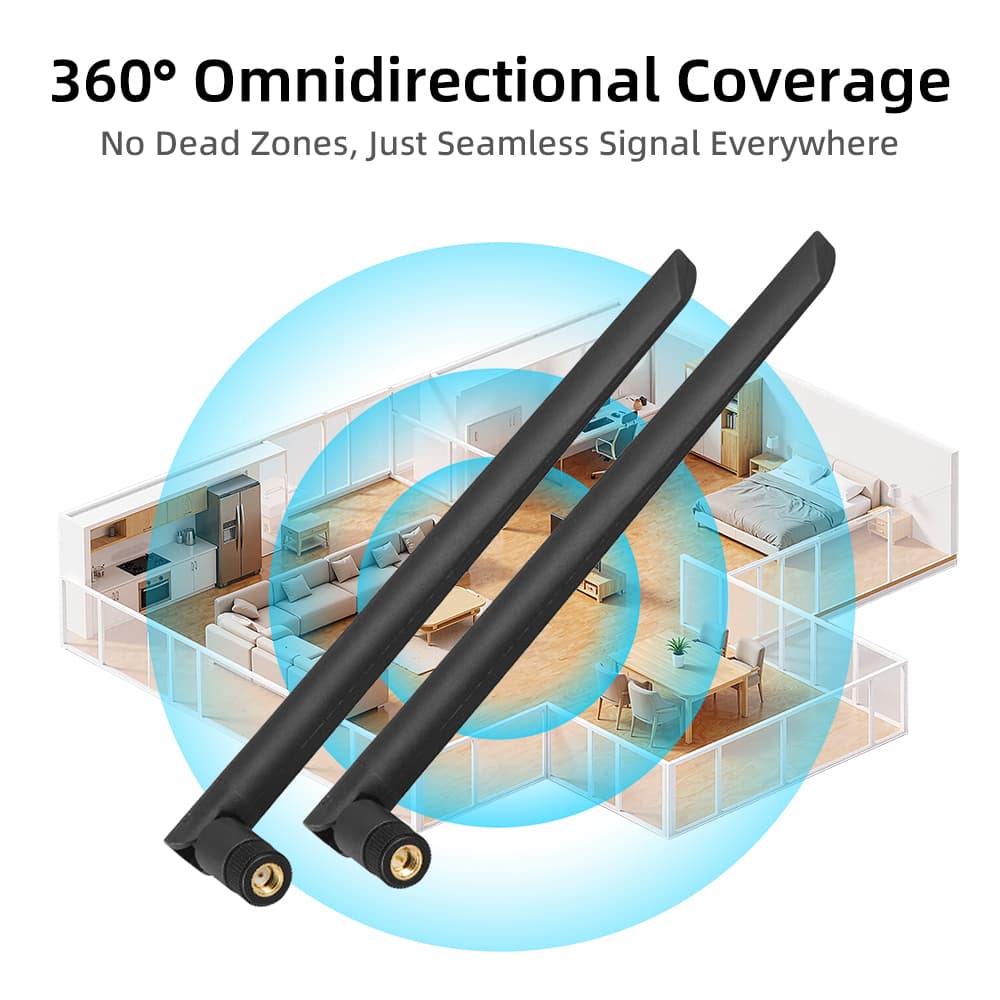
Desktop PCs and Gaming Builds-When a desktop tower sits under a desk or close to a wall, the metal case and surrounding obstacles can affect WiFi reception. Moving the WiFi antenna to a more open spot may help improve the connection. For motherboards with two compatible antenna ports, using a pair of antennas also supports the MIMO setup without requiring driver changes.
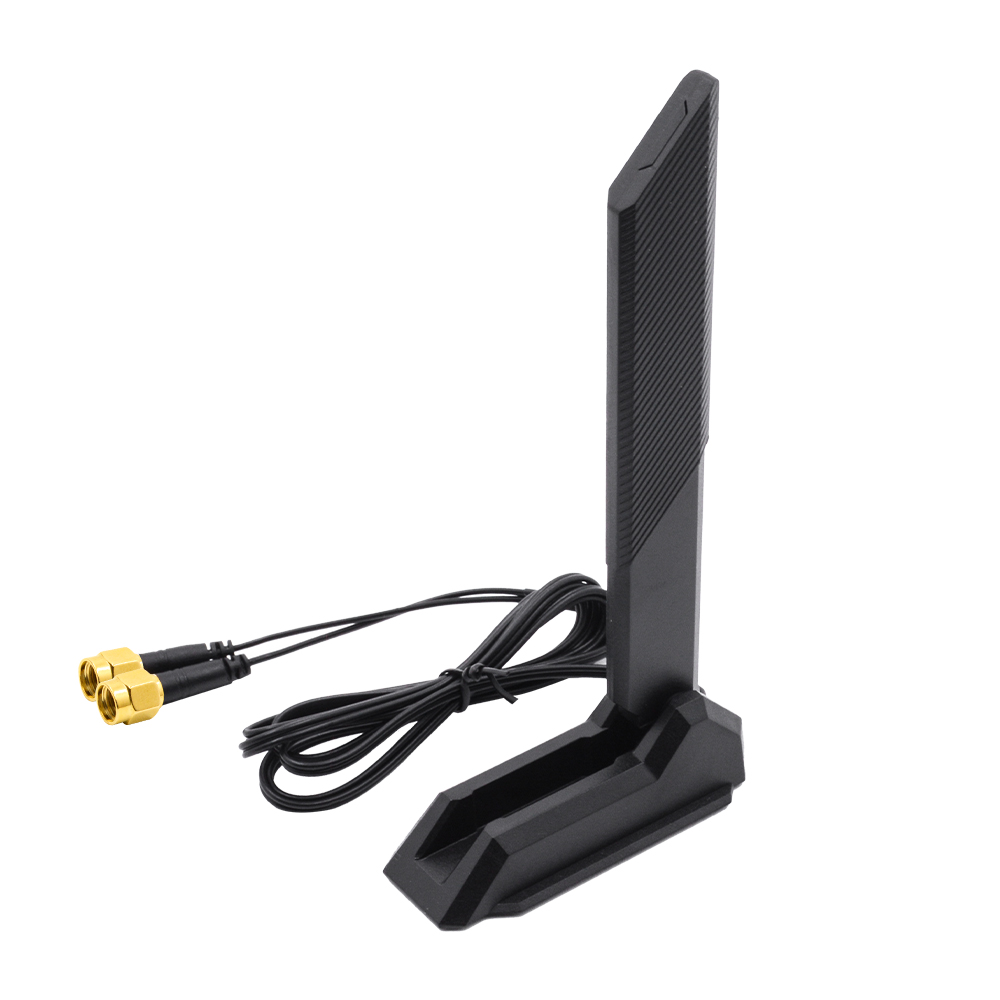
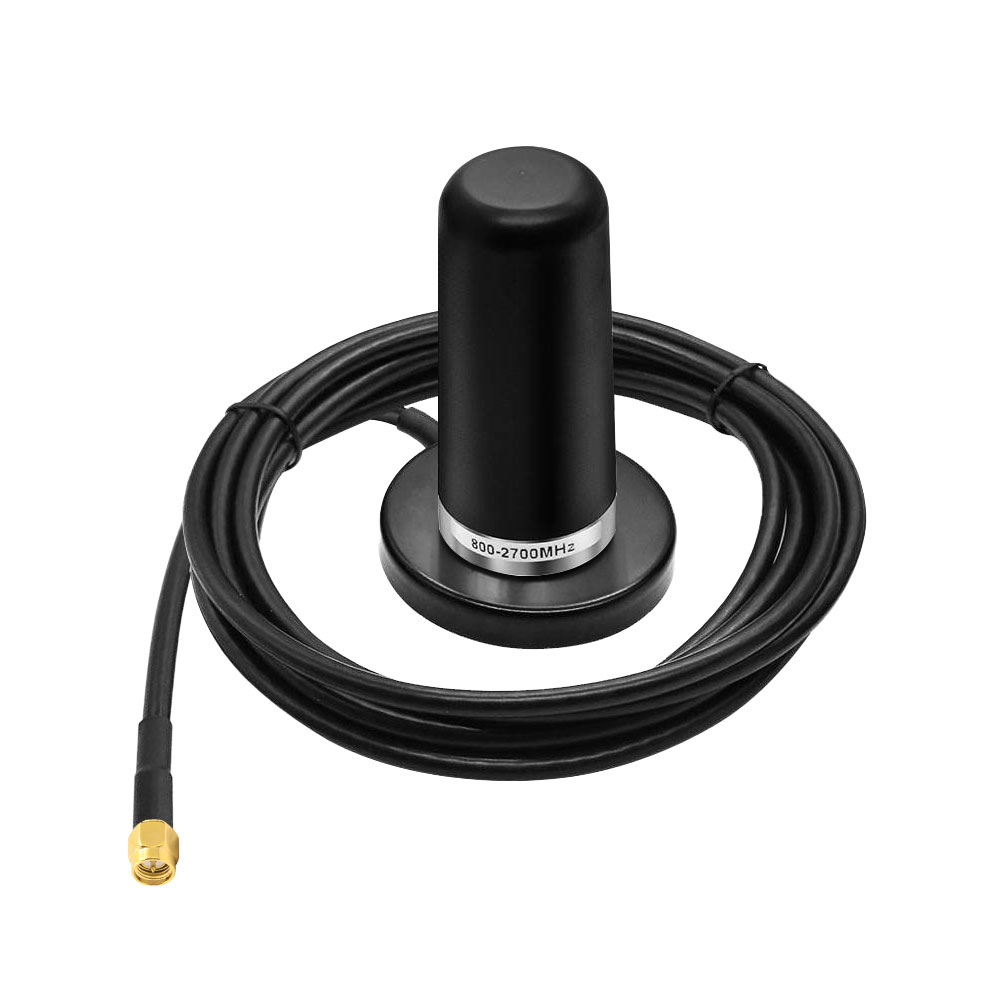
Mini PCs and Small Form Factor Systems-Mini PCs fit neatly into tight spaces, but their compact size can limit where the antenna sits. A magnetic-base rubber WiFi antenna can be placed on a nearby steel monitor stand or another suitable surface, away from the PC itself. Its foldable WiFi antenna design makes it easy to adjust the angle when space is limited.
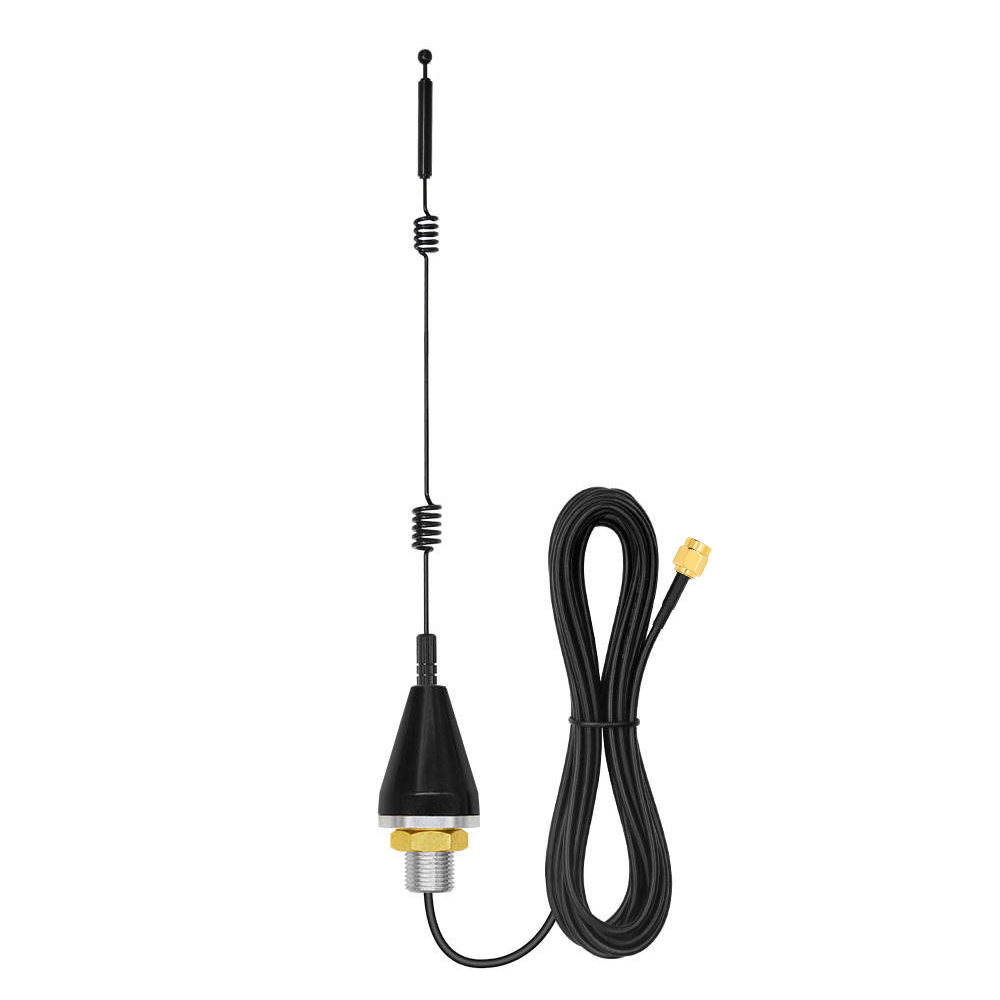
Industrial PCs and Control Cabinets-An industrial PC inside a metal control cabinet may struggle to maintain a strong wireless connection. Mounting the antenna outside the cabinet gives it a clearer path to the access point, with the cable routed through an existing opening or suitable cable gland. For factory use, make sure the antenna and cable are suited to the surrounding temperature, vibration and installation conditions.
Digital Signage and Kiosks-Media players and kiosk controllers are often tucked behind screens or inside metal frames, leaving little room for their antennas. A magnetic base can attach to a suitable steel surface, while the foldable panel makes it easier to position the antenna in a confined space. Choosing the right cable length and connector helps keep the installation neat without placing the antenna directly against the display housing.
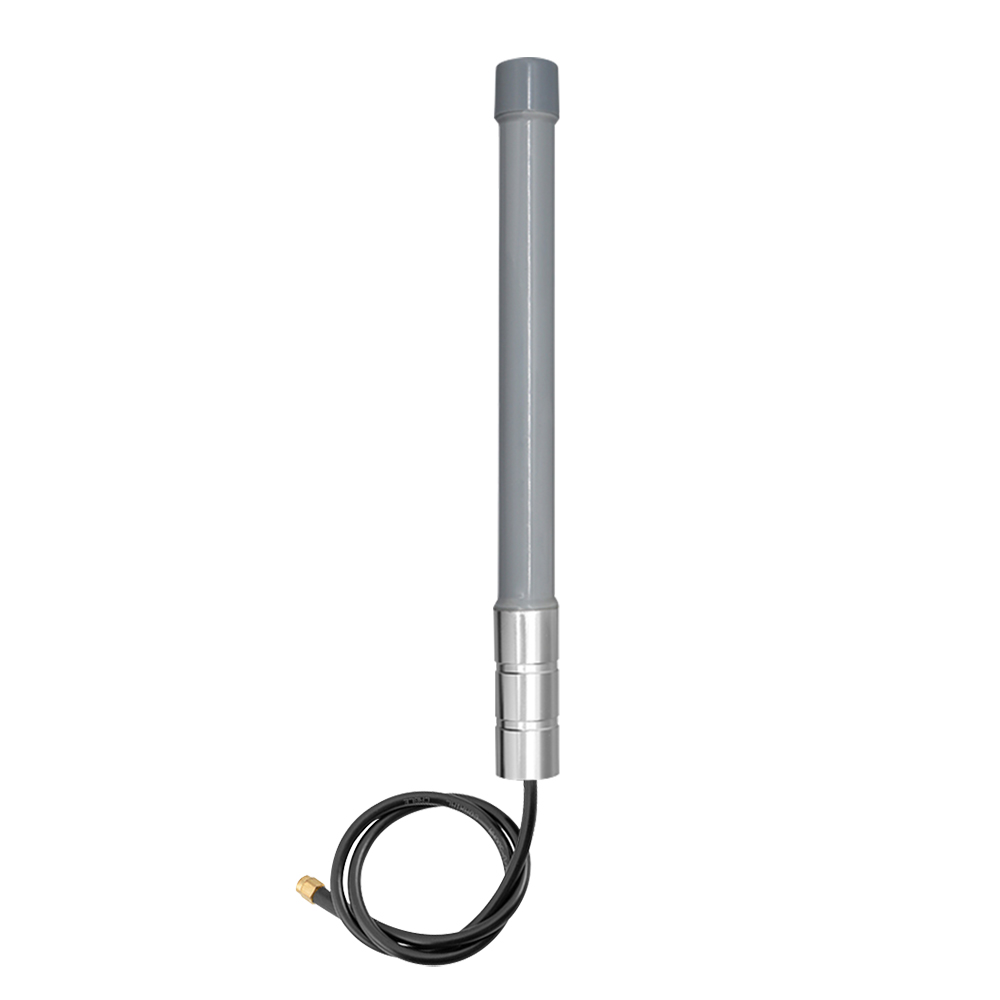
POS Terminals and Retail Counters-At checkout counters, WiFi equipment is often installed under the counter or behind shelves, close to metal fixtures and other potential obstructions. Moving an omnidirectional rubber stick antenna to a more open position may help maintain a better connection with the access point. The result depends on the layout and equipment, but repositioning the antenna is a practical place to start when WiFi performance is inconsistent.
Q1. Will this WiFi antenna fit my WiFi card?
Check the connector on your WiFi card or extension cable before ordering. This model comes with RP-SMA male connectors for compatible RP-SMA female ports. RP-SMA and standard SMA connectors can look almost identical, but the center contacts are different. If your card uses SMA, make sure you choose the correct version.
Q2. Is the gain 8 dBi or 12 dBi?
The specified gain for this model is 8 dBi. If you have seen 12 dBi listed elsewhere, check that the figure belongs to the same model. A higher gain rating does not automatically mean a stronger or more reliable WiFi connection. Where you place the antenna, along with the router and surrounding obstacles, also makes a difference.
Q3. Does this WiFi antenna support the 6 GHz band for WiFi 6E?
That depends on the antenna’s specified frequency range. If its upper limit is 6000 MHz, it may not cover the full 6 GHz range used by WiFi 6E in every region. Check the frequency specifications before ordering, and make sure your WiFi card and router also support 6 GHz. The antenna itself cannot add WiFi 6E support to equipment that lacks it.
Q4. Does this MIMO WiFi antenna have two separate elements?
Yes. The two leads connect to separate antenna elements housed in the same unit, making it suitable for compatible 2×2 MIMO WiFi cards. Since the elements sit close together, their spacing differs from that of two separately mounted antennas. For desktop PCs, mini PCs and kiosks, this all-in-one design keeps installation simple without taking up much space.
jason@fs-sz.com
+86-13683276589
+86 13427976189
+86-0755-85223189