








Scroll to Top
Share to:
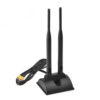
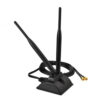
WiFi Antenna Dual Band Magnetic Base for PCIe Desktop
Product features:
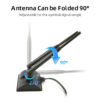
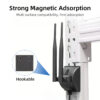
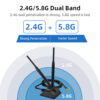
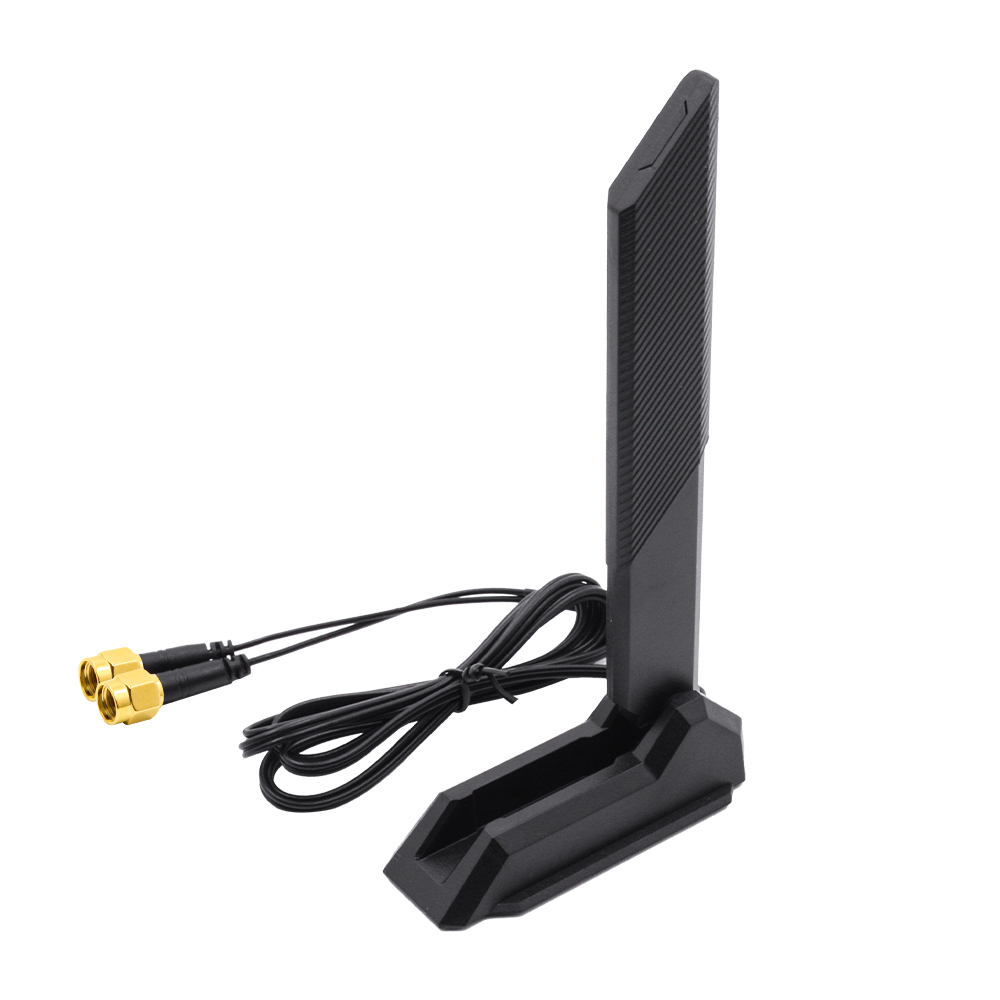
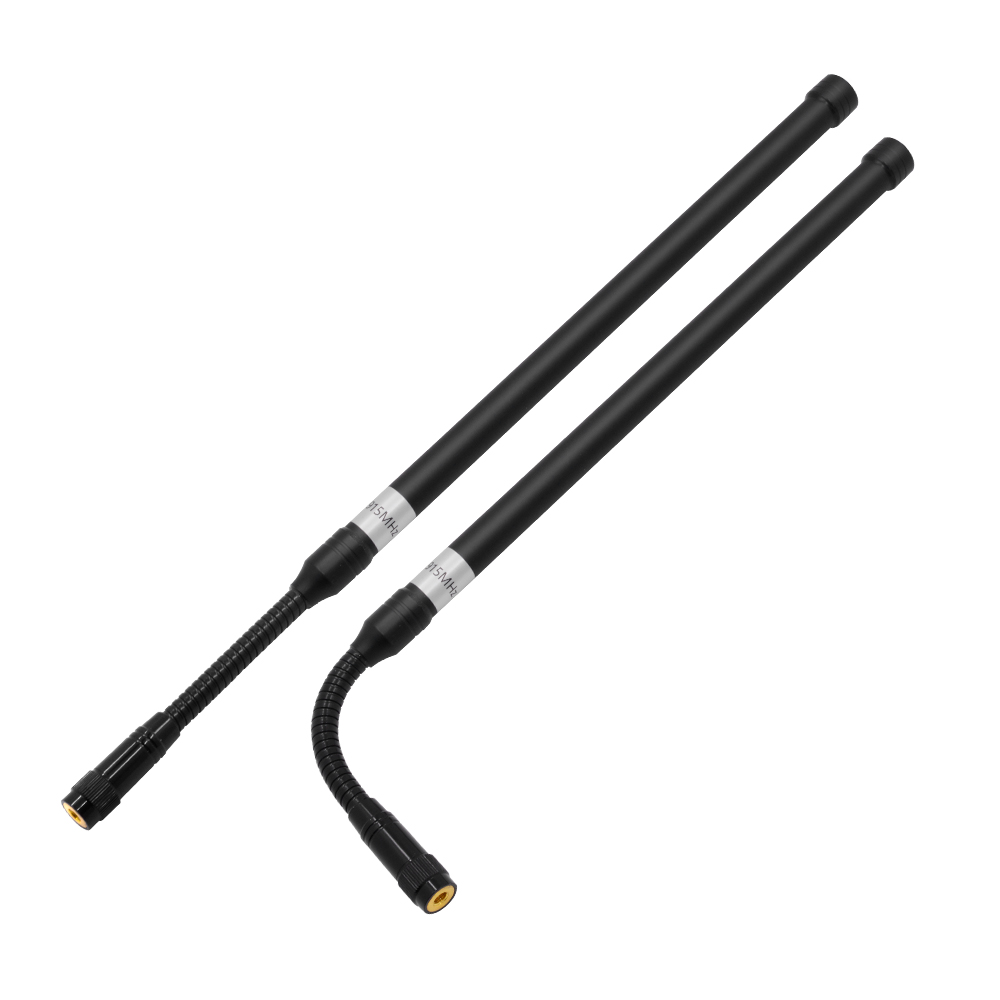
This WiFi antenna lets you move the radiating elements away from metal enclosures, computer cases and other obstructions for better placement. Its magnetic base attaches to suitable steel surfaces, while the supplied mounting plate provides an alternative for non-magnetic panels. Two separate leads connect to a dual-port WiFi card for 2×2 MIMO operation. Both elements fold and swivel, making it easier to work around nearby equipment and adjust them to an upright position. This dual-band rubber antenna supports 2.4 GHz and 5.8 GHz, with two independent feeds for compatible devices. As a WiFi external antenna, it offers more flexible positioning than a short plug-in antenna, especially where space is limited or the device sits inside a metal enclosure.
| Type | wifi antenna | Antenna Gain | 12 |
| Terminals | Support Customization | Installation | Screw |
| Connector Type | Support Customization | Model Number | FS-R8 |
| Place of Origin | Guangdong, China | Polarization | Vertical |
| Antenna Frequency | 2.4G and 5.8G dual bands | Frenquency | 2.4G and 5.8G dual bands or customized |
| Support OEM/ODM | Yes | Max power | 50w |
| Gain | 12DBI | Polarization | Vertical |
| Connector | Can be customized | Gross weight | 0.1kg |
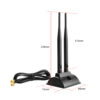
| Operation Temperature | -30 degree to 80 degree | Dimension (mm) | L 190mm * W 43mm |
Q1. Will this WiFi antenna fit my router?
The connector needs to match your router’s antenna port. Look at the centre contact: a port with a pin needs an RP-SMA female connector, while a port with a centre hole needs an SMA male connector. The two types look very similar and share the same thread, so it’s easy to order the wrong one. If you’re unsure, send us your router model or a close-up photo of the port. We’ll help identify the right WiFi external antenna connector.
Q2. Why do I get less than 12 dBi when testing the antenna?
The 12 dBi rating refers to peak gain, not the gain at every frequency. A dual-band WiFi antenna can perform differently at 2.4 GHz and 5.8 GHz, and the measured result also depends on antenna position and test conditions. If you need to know how it performs on each band, ask for the gain curves rather than relying on the peak figure alone.
Q3. Can I mount the magnetic base on an aluminium cabinet?
No. The magnet needs a ferromagnetic surface, such as ordinary steel. It will not hold directly to aluminium, brass, plastic or glass. For these surfaces, use a mounting plate or a screw-mounted bracket. The panel material can also affect antenna performance, so don’t expect exactly the same results on aluminium as on a steel cabinet.
Q4. Why does the antenna connect physically but receive no signal?
Check the connector type first. SMA and RP-SMA plugs share the same thread, but their centre contacts differ. An RP-SMA male plug and an SMA female port both have centre sockets, so they can screw together without making electrical contact. Check the centre contacts on both sides, then inspect the cable for damage. A connector mismatch is easy to overlook when choosing a replacement rubber antenna.
Sales: nora@fs-sz.com
Technical Support:jason@fs-sz.com
Sales :+86-13316864973
Technical Support :
+86-13683276589
+86-13427976189
+86-0755-85223189